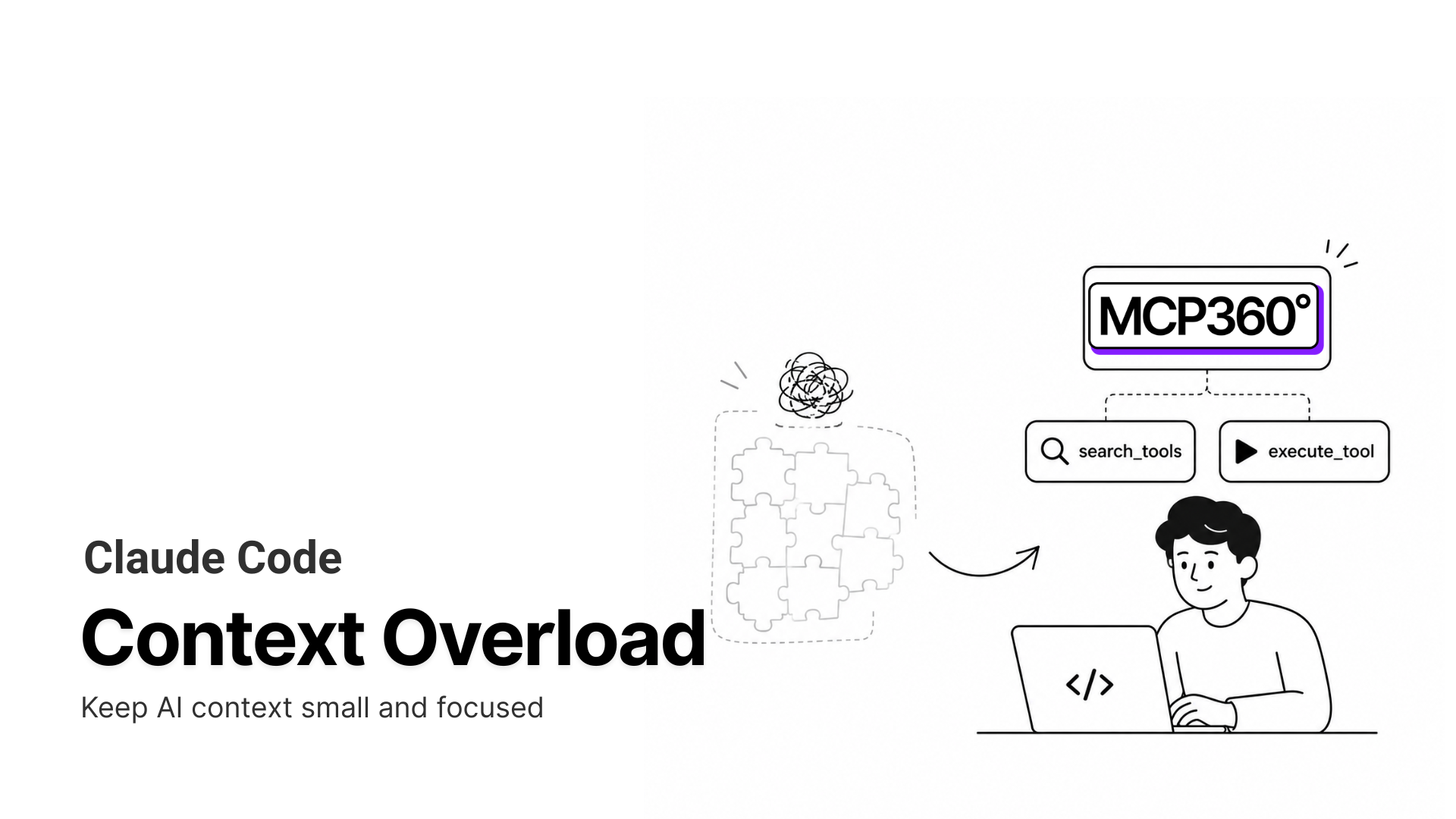
The TL;DR
Finding an MCP server is easy. Choosing one you can trust, installing it correctly, and deciding what access it should receive are the parts that require careful evaluation.
-
• The Discovery Problem
More than 73,000 MCP servers are spread across competing registries, marketplaces, and independent directories. No single source lists everything, so the real challenge is filtering servers by maintenance quality, permissions, reputation, and security rather than catalog size alone.
-
• Find, Install, and Vet
This guide explains where MCP servers are published, how installation works across major clients, and what to review before granting access. That includes authentication methods, requested permissions, source-code visibility, maintenance activity, and the data a server can read or modify.
Connecting a new tool to an AI agent should be simple: find an MCP server, add the configuration, and start using it. In practice, choosing the right server is often harder than installing it.
By mid-2026, MCP servers are spread across GitHub, npm, PyPI, Docker Hub, official registries, and independent marketplaces. The same capability, such as web search, browser automation, Postgres access, or CRM integration, may be available through several servers with different maintainers, permissions, authentication methods, and security risks.
This blog explains where to find MCP servers, how to compare them, and how to install them in popular clients. It also covers the checks that matter before granting access, including maintenance activity, source-code visibility, requested permissions, authentication, and access to sensitive data.
Because marketplace sizes, server counts, and installation methods change quickly, all time-sensitive figures are dated and sourced for easier verification.
What an MCP Marketplace Actually Is

Model Context Protocol is the open standard that lets an AI client call external tools through a common interface. If that idea is new, the complete guide to Model Context Protocol covers the mechanics. A server is a process that exposes one or more of those tools. A marketplace is where you go to find servers.
The word “marketplace” gets used loosely, and the differences matter when you are deciding where to search. Three kinds of source exist.
A registry is machine-readable and designed for clients to query programmatically. The official MCP Registry is the main example. A directory is built for people to browse. It usually includes search, categories, filters, ratings, and installation details. PulseMCP, Glama, and mcp.so fall into this category. A client marketplace is built directly into an MCP-compatible application such as Cline or VS Code. It allows users to discover and install servers without leaving the client.
These terms are often used interchangeably, but the distinction matters. A registry provides structured metadata, a directory helps users compare options, and a client marketplace simplifies installation.
The official MCP Registry also works as a metaregistry. It stores server metadata rather than hosting the server code itself. The actual package may still live on npm, PyPI, Docker Hub, GitHub, or a remote endpoint.
Directories and client marketplaces can then import that metadata and add their own curation, ratings, security information, and installation workflows. In practice, these downstream platforms are often where users compare servers and decide which one to install.
Best MCP Marketplaces and Registries to Find Servers in 2026
The catalog is enormous. As of June 2026, MCP Toplist counted more than 73,000 servers across the major registries, up by roughly 18,000 in the previous month alone. At that scale, catalog size has stopped being a useful filter. What separates the sources below is how well they curate, how cleanly they install, and how far you can trust what you find.
| Source | Type | Best For | How You Install From It |
|---|---|---|---|
| Official MCP Registry | Registry (API) | Canonical, namespace-verified server metadata | Copy the server reference into your MCP client configuration |
| PulseMCP | Directory | Hand-reviewed, quality-filtered server discovery | Copy the client-specific configuration from the server listing |
| Glama | Directory | Broad coverage and side-by-side server comparison | Copy the configuration and follow the available multi-client installation notes |
| Smithery | Registry and hosting | Fast CLI installation and hosted remote MCP servers | Run a CLI command or connect to a server hosted on Smithery |
| mcp.so | Directory | Community-built and experimental MCP servers | Copy the configuration or test the server in the built-in playground |
| Docker MCP Catalog | Container registry | Signed, sandboxed, and security-focused MCP servers | Add the server through Docker Desktop, then connect your MCP client |
| Cline, VS Code, Cursor | Client marketplace | One-click installation directly inside the MCP client | Select Install and let the client write the configuration automatically |
| MCP360 | Gateway | Accessing many tools through one integration, with support for custom tool building | Connect once using a single API key or Gateway URL |
1. The Official MCP Registry
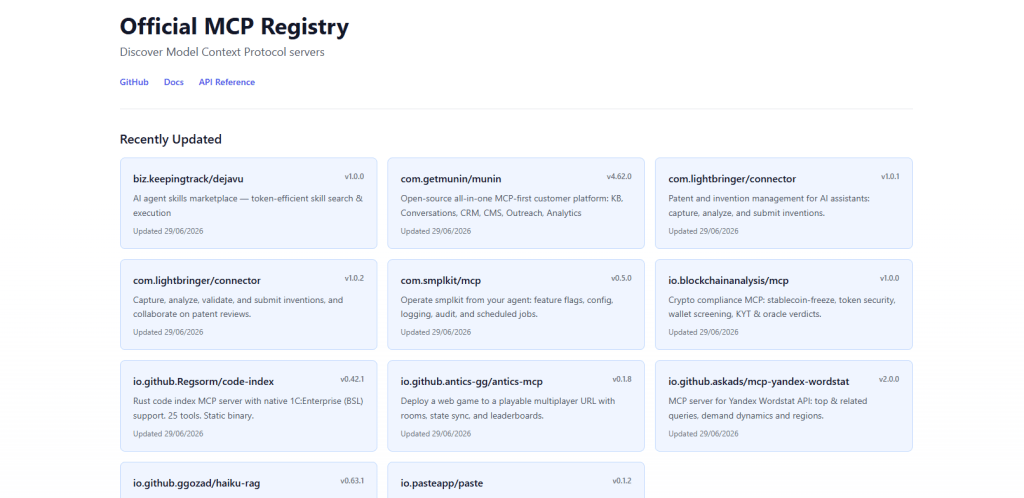
The official registry began as a grassroots effort in early 2025, when MCP’s creators asked the PulseMCP and Goose teams to help build a shared community catalog, and it launched in preview on September 8, 2025. It is backed by Anthropic, GitHub, PulseMCP, and Microsoft, and it stays in preview pending general availability. The point of it is a single, vendor-neutral reference that every other directory can read from, rather than a place end users browse. It works as a metaregistry, which means it holds a standardized server.json record for each server, where the server lives, how to run it, and what it can do, while the executable code stays on npm, PyPI, or Docker Hub. Downstream marketplaces pull from it on a schedule and add their own ratings, security notes, and curation, which is why most of the directories below ultimately trace back to this one.
Features
- Namespace-verified ownership: Server names use a reverse-DNS format like
io.github.user/server-name, tied to a verified GitHub account or domain, so every listing has a provable owner. - Public REST API: It is built for clients and downstream aggregators to query programmatically and pull updates on a schedule.
- Vendor-neutral metadata: It applies no rankings or curation of its own, which keeps it reusable as the upstream feed for public and private sub-registries.
Best for
Confirming that a server is who it claims to be, and acting as the feed other tools sit on top of. It does no security scanning, so it tells you a server’s identity, not whether it is safe.
2. PulseMCP
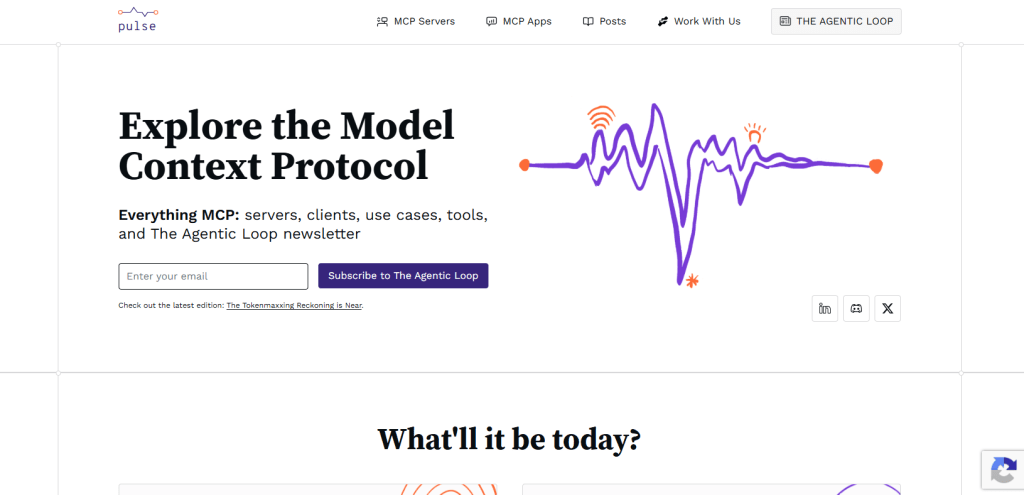
PulseMCP has been reviewed by hand since the week MCP launched, and that discipline is what built its reputation. With more than 18,000 servers checked on a rolling basis, it is the largest directory where a person has actually looked at each listing before it goes live, which keeps abandoned demos and auto-generated stubs from crowding out the servers worth running. It is also one of the four organizations behind the official registry, alongside Anthropic, GitHub, and Microsoft, so its catalog stays aligned with the canonical source instead of drifting from it. The listings go past a bare index too, pairing each server with a plain description and the integrations and use cases it fits.
Features
- Human review: Listings carry meaningful descriptions written by a reviewer rather than auto-generated stubs.
- Daily updates: The catalog refreshes continuously as new servers are published.
- Quality filtering: The review step surfaces maintained servers and pushes abandoned demos down.
Best for
Browsing when you want signal over raw volume. It is the safer starting point for a server you have not used before, because someone has already looked at it.
3. Glama AI
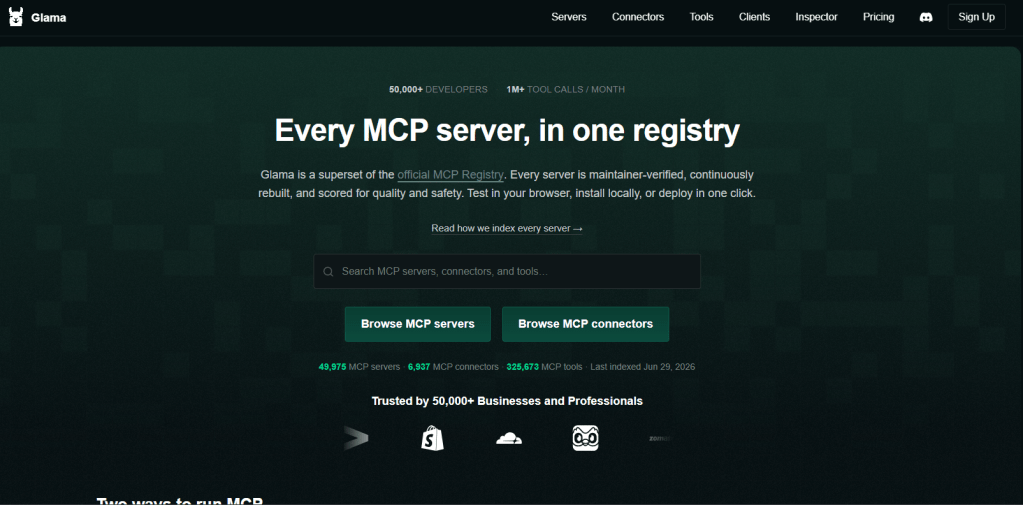
Glama is the volume leader, tracking close to 37,000 servers in mid-2026. It builds that scale by crawling the ecosystem automatically and then letting authors claim and verify their own entries, which produces three tiers you can read at a glance. There is an official, publisher-verified set, a claimed set where the author has proven ownership, and a much larger pool of anonymously crawled servers. The interface is built for comparison, with category filters, visual previews, and daily updates, so it earns its place when you know the job to be done but not which of a dozen similar servers to trust. The cost of that breadth is that most of those 37,000 entries sit in the unreviewed crawl pool, so the tier label is doing real work.
Features
- Verification tiers: An official, publisher-verified tier, a claimed tier where an author has proven ownership, and a larger pool of anonymously crawled entries.
- Filters and compare views: Category and capability filters make it straightforward to line up several servers that do the same job.
- Client compatibility notes: Listings track which clients each server has been tested with.
Best for
Maximum coverage when you are not sure what exists yet. Lean on the verified and claimed tiers as your trust signal, since the crawled majority has had no review.
4. Smithery
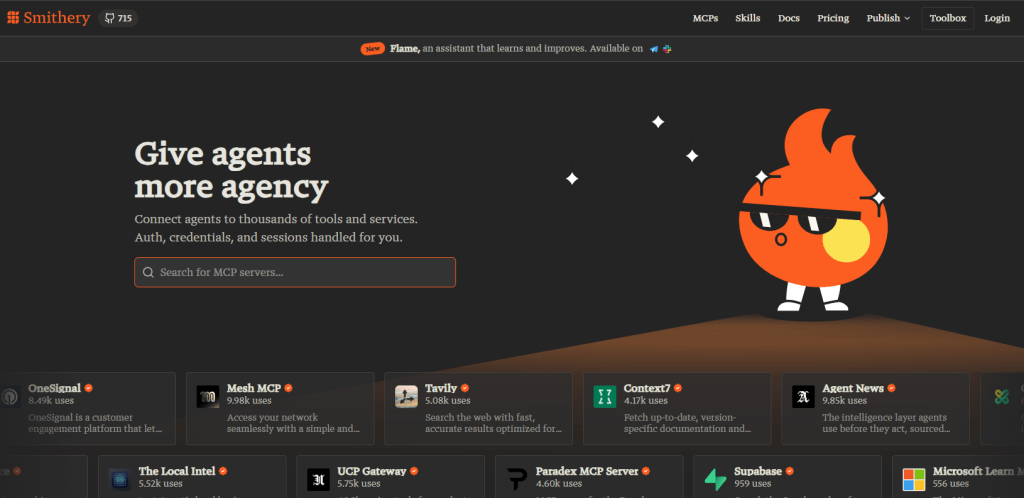
Smithery is the registry that doubles as a hosting platform, which is why it gets compared to Docker Hub for the MCP ecosystem. Founded in December 2024, it grew from a handful of servers at launch to more than 6,000 (vendor-reported, as of March 2026). From one place you can search the catalog, install a server locally through its CLI, or run it as a Smithery-hosted remote endpoint with no infrastructure of your own. The hosting layer is the real differentiator. For hosted servers Smithery manages the runtime and generates the OAuth flow, so an author never has to build authentication and a user never has to operate a server. That single-provider model, discovery and deployment in one tool, is the reason a team starts here instead of browsing one site and self-hosting somewhere else.
Features
- One-command CLI install: The
--clientflag writes the config straight into the client you name, so there is no JSON to hand-edit. - Hosted remote servers: Smithery runs the server on its own infrastructure and generates the OAuth flow, so authors do not build auth themselves and you can use a server without operating it.
- Toolbox meta-MCP: A single server that routes an agent to the right server in the registry at runtime, instead of wiring each one in by hand.
Best for
Solo developers who want the fastest on-ramp, and agents that need hosted endpoints without standing up their own hosting. Listings are not vetted, and a March 2026 scan of 100 Smithery servers reported 22 with security findings, so the install-time review still applies.
5. mcp.so
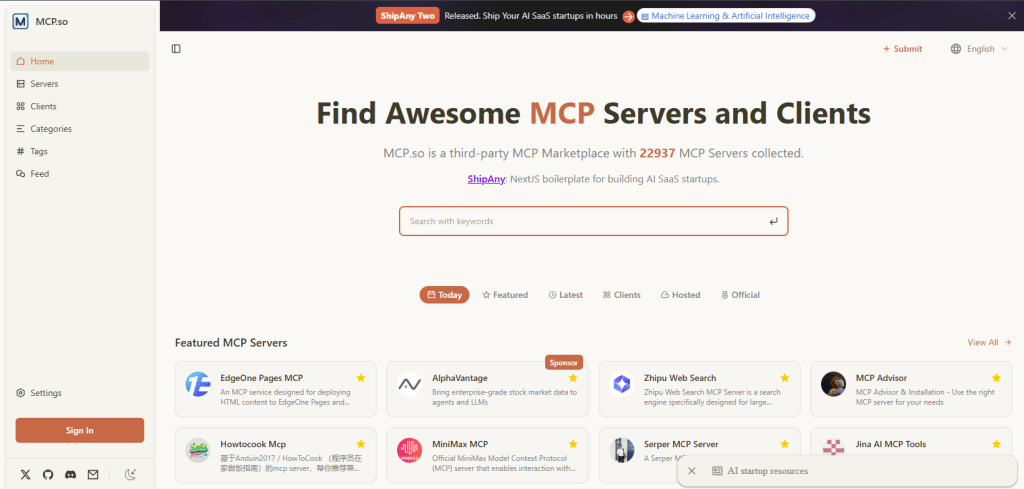
mcp.so is the community’s open catalog for MCP, and it optimizes for breadth and recency over curation. It indexes a large, community-submitted collection, around 19,700 servers as of mid-2026, with particularly strong coverage of third-party and experimental tools that the vetted registries have not picked up yet. A built-in playground lets you connect to a server and try its tools in the browser before you put it anywhere near your own config. The trade-off comes with any open submission model, since a listing says nothing about quality, maintenance, or safety, so the playground and a security read do the filtering the directory itself does not.
Features
- Broad community submissions: One of the largest pools of unofficial and newly published servers in the ecosystem.
- Built-in playground: Test what a server actually does before you commit to installing it.
- Category browsing: Filter by function to find niche tools that the curated registries have not picked up.
Best for
Hunting for something newer or more niche than the curated catalogs carry. Pair it with a careful security read, because the curation bar here is lower.
6. MCP360

MCP360 is a unified MCP gateway. One integration connects an AI agent to 100+ tools across its catalog of MCP servers through a single API key, and a no-code Custom MCP Builder turns your own APIs or code into tools on the same connection.
That puts MCP360 in a different category from the directories above, which makes it diffrent from other registries. The directories are where you find and install individual servers from the open ecosystem one at a time. MCP360 is where an agent reaches a curated set of tools through one connection, which fits when you want broad tool access without finding, installing, and maintaining each server yourself.
Features
- One integration, one key: A single connection reaches 100+ tools across the catalog, so there is no per-server install, credential, or update cycle to track as the toolset grows.
- On-demand tool loading: Tools surface through two meta-tools,
search_toolsandexecute_tool, so a large catalog never bloats the agent’s context window the way wiring in dozens of servers would. - Custom MCP Builder: A no-code builder wraps any REST API with its key, or runs your own Python or JavaScript, so internal and third-party services join the same single integration. It connects to Claude, Cursor, n8n, and other MCP clients.
Best for
Agents that need broad tool access without wiring up and maintaining many separate servers. Because it is a gateway rather than a directory of the full ecosystem, pair it with the sources above when you want one specific third-party server.
For keeping many of these straight across clients, an open tool like mTarsier, an MCP server manager, can centralize the configs you accumulate.
7. Docker MCP Catalog

The Docker MCP Catalog takes the opposite stance from the open directories, trading breadth for trust. Docker launched it in 2025 as a curated home for MCP servers on Docker Hub, seeding it with verified tools from partners like Stripe, Elastic, Neo4j, and Grafana, and it now lists 300+ verified servers, each packaged as a container image with versioning, provenance, and ongoing security updates. The premise is that an MCP server is code you are about to run with real credentials, so it should ship the way production software does, with signing, vulnerability scanning, and container isolation. Discovery, install, and runtime all run through Docker Desktop’s MCP Toolkit and the Docker MCP Gateway, which also supports on-demand server discovery while an agent is mid-task.
Features
- Signed, sandboxed images: Servers in the
mcp/namespace are built and digitally signed by Docker with a software bill of materials, and each runs in an isolated container with strict resource and filesystem limits, capped at 1 CPU and 2 GB of memory with no host filesystem access unless you grant it. - One install through Docker Desktop: You add servers from the MCP Toolkit Catalog tab, group them into profiles, and connect a client through the Docker MCP Gateway, which writes the config for you.
- Open publishing pipeline: Anyone can submit through the Docker MCP registry on GitHub, and an approved server appears in the catalog within about a day.
Best for
Teams that want a vetted, sandboxed install and signed provenance over raw catalog size, especially where clients like Claude, Cursor, VS Code, or Windsurf all connect through one gateway.
8. Client-Native Marketplaces
Some clients skip the separate website and build the marketplace into the tool you already work in, so discovery, install, and configuration collapse onto one surface with no JSON copied between a directory and a config file. Cline pioneered the one-click model, where choosing a server hands the whole clone, build, and configure job to the client. VS Code added a native server gallery in early 2026, and Cursor and Claude each expose their own in-app discovery. What you give up is breadth, since each client curates a smaller set than the open directories, and what you gain is the shortest path from finding a server to actually using it.
Features
- In-app discovery: Cline has a built-in
cline mcp marketplace, VS Code has a server gallery you reach by typing@mcpin the Extensions view, and Cursor and Claude expose similar in-app discovery. - One-click install: In Cline, the install button triggers the client to clone, build, and configure the server for you.
- Automatic config: The client writes the config file itself, so there is no JSON to touch.
Best for
Getting a working server in under a minute when you value the fastest install path over a larger catalog.
How to Install an MCP Server
Here is the part the title promises. Once you have found a server, installation depends on the client. The config format is nearly identical across Claude Desktop, Claude Code, and Cursor, which all use an mcpServers block. VS Code is the exception and uses a servers block instead, which trips up anyone copying a config straight from Claude.
Most servers come in one of two shapes. A local server runs on your machine as a subprocess over stdio and is referenced by an npx or uvx command. A remote server runs on someone else’s infrastructure and is referenced by a URL plus an API key or an OAuth sign-in.
Claude Desktop
Open claude_desktop_config.json and add the server under mcpServers, then fully quit and reopen the app so it reloads.
{ "mcpServers": { "brave-search": { "command": "npx", "args": ["-y", "@modelcontextprotocol/server-brave-search"], "env": { "BRAVE_API_KEY": "your_key_here" } } }}
For remote servers, the Connectors UI handles it without touching a file. You paste the URL, Claude opens a browser window for OAuth, and you sign in. If a server fails to appear, the usual cause is a JSON syntax error or skipping the full restart. For a curated set worth adding first, see the best MCP servers for Claude Desktop.
Claude Code (CLI)
Claude Code is the fastest path. One command registers a server and it is active immediately, no restart needed.
# Local (stdio)claude mcp add --transport stdio my-db -- npx @modelcontextprotocol/server-postgres postgresql://localhost:5432/mydb# Remote (http)claude mcp add --transport http github https://api.githubcopilot.com/mcp/ --header "Authorization: Bearer YOUR_PAT"# Confirm it connectedclaude mcp list
Scope matters here. A server added at user scope is available in every session. Adding it to a project .mcp.json shares it with teammates who check out the repo.
Cursor
Cursor reads from .cursor/mcp.json in your project or from a global config, using the same mcpServers structure as Claude. You can also paste a remote server’s URL and bearer token through the settings panel. Cursor surfaces a cursor mcp directory of suggested servers inside the app.
VS Code
VS Code added native MCP support in early 2026, with GitHub Copilot Chat as the interface. The quickest install is through the gallery. Open the Extensions view, type @mcp to browse available servers, and select Install. To configure manually, edit .vscode/mcp.json in your workspace and remember the root key is servers, not mcpServers. VS Code shows a confirmation dialog with the exact arguments before it runs anything, and it warns that local servers can execute arbitrary code on your machine.
{ "servers": { "playwright": { "command": "npx", "args": ["-y", "@playwright/mcp@latest"] } }}
If a server installs but will not connect in any client, the causes are usually a malformed config, a missing credential, or a transport mismatch. The walkthrough on common MCP server connection issues covers the fixes layer by layer.
Connecting a server is only half the work. The other half is knowing what it can reach with the access you just handed it.
Security and Risk Before You Install
An MCP server runs with the access you hand it. A database server holds your credentials, a filesystem server your files, a cloud server your IAM tokens. One weakness in any of them turns “send a message to the agent” into a path straight to your data, so the security read is not optional.
The public catalog gives plenty of reason to check. A March 2026 scan of 5,618 servers found 36.7% of URL-accepting servers exposed to server-side request forgery, and a separate scan of 1,000 servers found 33% with critical vulnerabilities. Most are ordinary web flaws, command injection, path traversal, and unvalidated requests, because many authors are application engineers, not security engineers. The official registry verifies who owns a server, not whether its code is safe.
A short checklist covers most of the risk before you give a server real credentials.
- Check the publisher and maintenance: Prefer servers with a verified owner, recent commits, and more than one maintainer. Single-maintainer packages with stale histories carry most of the documented findings.
- Read what the tools can do: A server that exposes a raw
fetch(url)orexec(command)tool is a higher risk than one with narrow, purpose-built tools. - Scope the credentials down: Give database servers read-only roles unless you need writes, and use tokens with the minimum permissions the server actually requires.
- Turn off auto-approval for new servers: Review tool calls until you trust a server, then scope any auto-approval to that specific server rather than enabling it everywhere.
- Sandbox first: Run a new server against test data or a throwaway environment before pointing it at production systems.
None of these steps takes long, and together they separate a tool that helps from one that quietly hands your data to the wrong place. Run them once per new server, and choosing where to look comes down to fit rather than risk.
Choosing the Best Source for MCP Servers
The best source depends on what you need from it. Some platforms are better for verified metadata, others for curated discovery, faster installation, stronger isolation, or access to a broader tool catalog.
- A specific server you already know: The official registry is the authority on what it is and who owns it, with namespace-verified metadata to check before you install.
- Curated browsing you can trust: PulseMCP reviews its listings by hand, so you get written descriptions and maintained servers rather than scraped stubs.
- Comparing several servers for one job: Glama’s filters and verification tiers line the options up so you can weigh them against each other.
- A one-command or hosted install: Smithery installs locally from its CLI and can run a server on its own infrastructure when you would rather not host it yourself.
- Isolation and signed provenance: The Docker MCP Catalog ships each server as a signed, sandboxed container, which counts for more than raw catalog size on anything touching real credentials.
- The fastest path from found to running: A client-native marketplace inside Cline or VS Code installs in place, with no config file to edit by hand.
- Something new or experimental: mcp.so carries community and early-stage servers the curated catalogs miss, with a playground to try one before you commit.
- Many tools at once, not one server: A gateway like MCP360 trades a stack of separate installs for a single connection when an agent needs broad tool access.
Whatever the source, the install step and the security read stay the same. Find it, confirm the owner, check the tools and credentials, then add it to your client.
Frequently Asked Questions
What is an MCP marketplace?
An MCP marketplace is where you discover and install Model Context Protocol (MCP) servers, the programs that give AI agents tools like web search, databases, or external APIs. The term includes the official MCP Registry, community directories such as PulseMCP and Glama, and marketplaces built into clients like Cursor, VS Code, and Cline.
What’s the difference between an MCP registry and an MCP directory?
A registry is machine-readable and designed for AI clients to query programmatically, such as the official MCP Registry. A directory is built for people, with search, filters, ratings, and categories to compare servers. Most directories, including PulseMCP, Glama, and mcp.so, pull data from the registry and add their own curation, reviews, and security checks.
Where can I find MCP servers?
Start with the official MCP Registry for verified metadata, then browse community directories. PulseMCP offers hand-reviewed listings, Glama has one of the largest catalogs, mcp.so focuses on experimental servers, and the Docker MCP Catalog provides signed, sandboxed containers. Clients such as Cursor, VS Code, and Cline also include built-in marketplaces for one-click installation.
How do I install an MCP server in Claude Desktop or Cursor?
Most installations require either editing a configuration file or running a single command. In Claude Desktop, add the server under the mcpServers block in claude_desktop_config.json and restart the app. Claude Code uses the claude mcp add command, while Cursor reads the same configuration from .cursor/mcp.json. VS Code uses a similar format but stores entries under a servers block.
Do I need a separate subscription for every MCP tool?
Not always. Many MCP servers are open source and free, while commercial servers often provide a free tier. The bigger challenge is managing separate accounts, API keys, billing, and maintenance for each server. A unified gateway such as MCP360 simplifies this by exposing more than 100 tools through a single integration and API key.
Are MCP servers safe to install?
Not automatically. An MCP server runs with the permissions you grant it, so a poorly designed or malicious server could access sensitive data or misuse connected services. Install servers only from trusted publishers, review the tools they expose, check how actively they are maintained, and prefer repositories with security audits or signed releases.
Will connecting a lot of MCP servers slow down my agent?
It can. Every connected server adds tool definitions that the AI model may need to process, consuming valuable context before any work begins. Loading tools only when needed improves efficiency. Gateways such as MCP360 reduce this overhead by exposing a large catalog through a small set of meta-tools instead of loading every tool individually.
Can I turn my own internal API into an MCP tool?
Yes. You can build a small MCP server that wraps your API using the official Python or TypeScript SDKs, or use a no-code builder that generates the server automatically. MCP360 Custom MCP Builder, for example, can convert a REST API into an MCP tool from its endpoint and API key or run custom Python and JavaScript without requiring your own hosting.
Conclusion
The MCP ecosystem is growing quickly, but discovery is becoming more standardized as directories and marketplaces increasingly rely on the same registry data. That makes finding a server easier. Choosing one that is safe, maintained, and appropriate for your workflow is still the harder part.
Before installing any MCP server, verify who maintains it, review the tools and permissions it exposes, check how recently it was updated, and avoid giving it broader credentials than necessary. Test it first with limited access and non-sensitive data before connecting production systems.
The best marketplace is not simply the one with the largest catalog. It is the one that helps you verify ownership, understand permissions, install cleanly, and maintain control after the connection is live. Build that review process into every installation, and it will remain useful regardless of which registry, directory, client, or gateway you use.

Article by
MitaliAI & Automation | Content Writer
Mitali is a content writer covering AI agents, automation, and no-code tools. Her writing spans the AI landscape, from support and sales automation to MCP integrations and agent workflows, with a focus on practical business use.