
The TL;DR
A NimbleBrain MCP setup with MCP360 takes one API key and one catalog entry per service, and the tools reach every workspace on the instance.
-
• What You Need
A running NimbleBrain instance, an MCP360 API key, the endpoint URL for each service, and the workspace admin role.
-
• What You Change
One connectors.gateways block in nimblebrain.json, one catalog entry per service, and one platform restart.
-
• What You Get
MCP360 services listed under Connectors, installed with one click and no connector sign-in.
Giving an AI agent real-world tools usually means opening a new vendor account for each one. NimbleBrain is a self-hosted platform for MCP apps and agent automations, and connecting it to tools means a separate sign-in or API key for each tool. Credentials are stored per workspace, so an admin has to repeat that setup in every workspace that needs the tool.
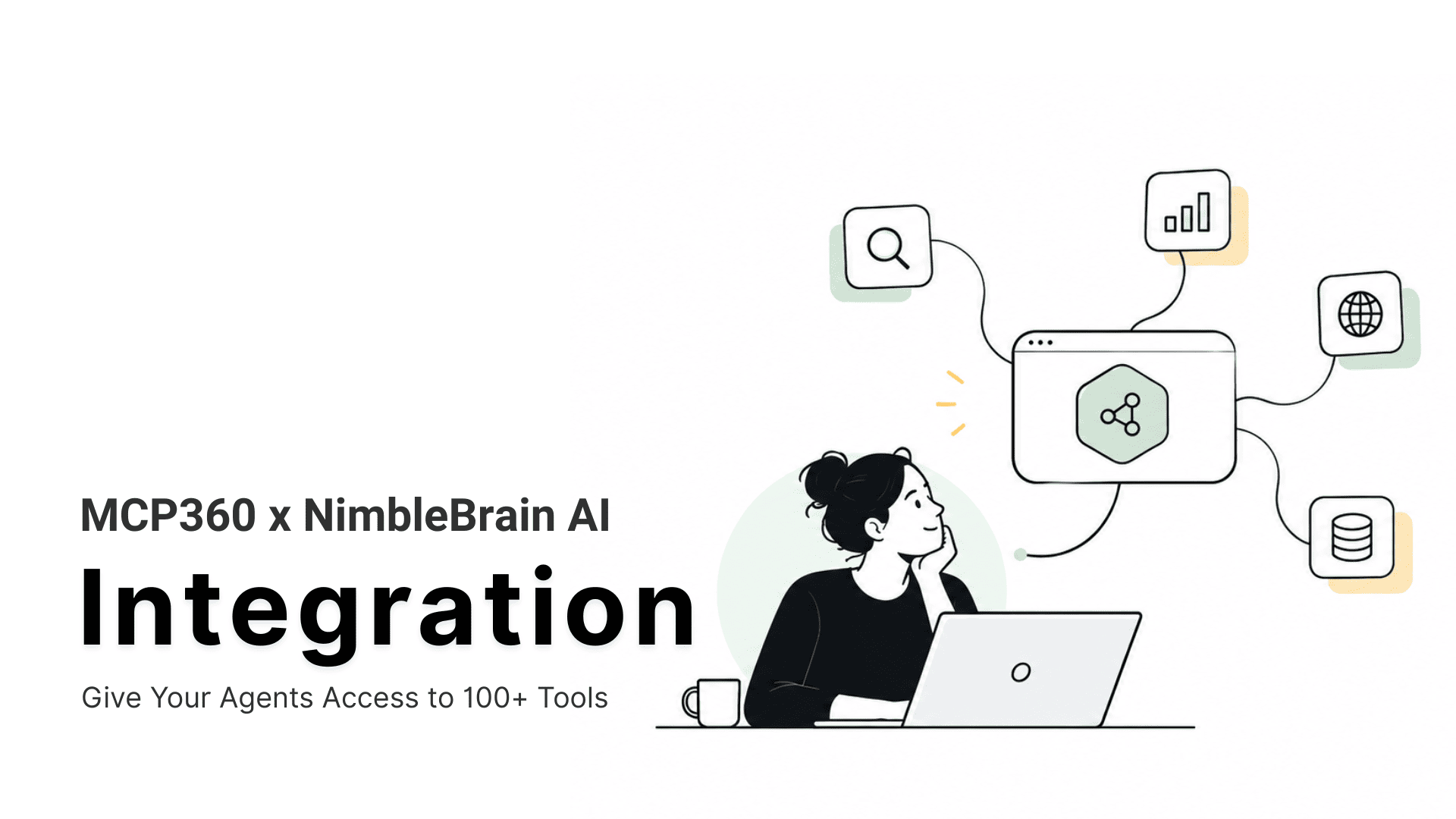
MCP360 is an MCP gateway, so one account and one API key cover 100+ tools. NimbleBrain has a built-in gateway slot for exactly that, and the one key serves every workspace on the instance with no separate sign-in for each connector.
This guide walks through a NimbleBrain MCP setup that connects MCP servers from MCP360 to your self-hosted instance in three steps, using the WHOIS service as the example. By the end, your agent answers a domain question with a live tool call.
What Is NimbleBrain?
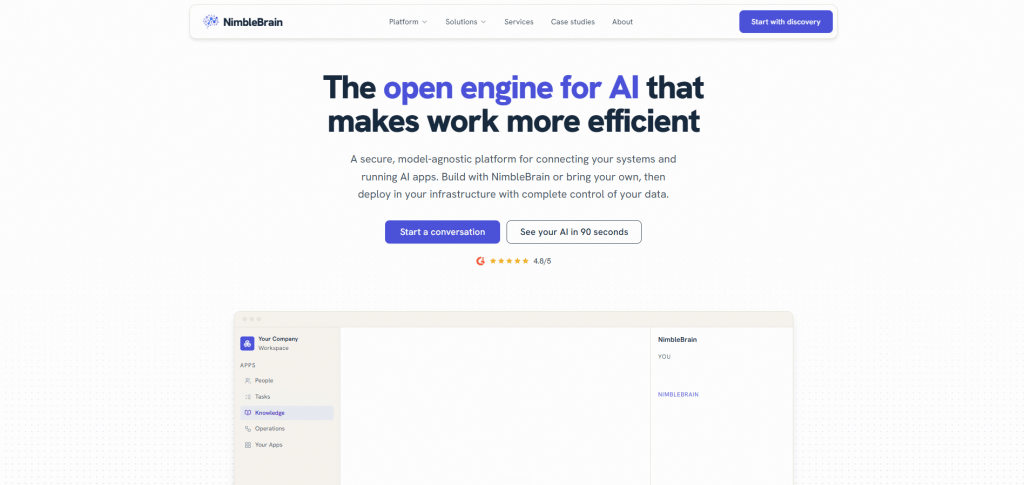
NimbleBrain is a self-hosted platform that runs agents and apps built on the Model Context Protocol on your own infrastructure. The runtime is licensed under Apache-2.0 and built with Bun and TypeScript, and the code lives in the NimbleBrain GitHub repository. It plays two roles. As an MCP client, it connects your agents to external MCP servers. As an MCP server, it exposes each workspace at /mcp/<workspaceId> so other clients can call into it.
For this setup, the client role matters most. NimbleBrain reaches servers over the network only. It supports Streamable HTTP, the current standard way to talk to a remote MCP server, and falls back to the older HTTP+SSE only for servers that support nothing newer. It does not support stdio, so it never downloads or runs a server’s code. The protocol support page lists the MCP spec versions it handles, including 2026-07-28.
A connector in NimbleBrain is a remote MCP server reached by URL. That is why a hosted gateway fits without any local process to manage.
What Is MCP360?

MCP360 is a unified MCP gateway that gives AI agents access to 100+ tools through one integration. Without it, an agent that needs web search, SEO data, domain lookups and scraping means four vendor accounts, four keys and four billing pages. With MCP360 you connect once and use all of them.
Four things define how it works.
- One account and one key: A single API key covers every service, and usage is billed in one place.
- One endpoint per service: Each service has its own MCP endpoint in the form https://connect.mcp360.ai/v1/{slug}/mcp, so you connect only what an agent needs. The WHOIS service, for example, lives at /v1/whois/mcp.
- Wide coverage: The services span search engines and web scraping, SEO and marketing data, domain and network lookups such as WHOIS and DNS, maps and travel, e-commerce, media, finance and email verification.
- Your own tools too: The custom MCP builder wraps a REST API or runs your own Python or JavaScript, and the result sits behind the same key. MCP360 also applies automatic failover when an upstream API changes or breaks.
For NimbleBrain, the per-service endpoints matter most, because each one becomes a catalog entry that you choose to publish.
Benefits of Connecting MCP360 to NimbleBrain
Connecting the two gives your agents a wide set of tools and removes most of the credential work behind them. Three points make the case.
- Breadth without bookkeeping: Without a gateway, every new tool means a new vendor account, a new key and a new secret to rotate. With MCP360, one key covers every service on your account, and NimbleBrain attaches it for you on the server side.
- No connector sign-in: NimbleBrain treats MCP360 as a gateway, so the platform holds the key and adds it to each request as a header. Your users never paste a key or click through an OAuth screen, which is the connector provider model in NimbleBrain. If each person must sign in as themselves, per-user OAuth for MCP is the better fit.
- A tool list you control: NimbleBrain’s docs recommend publishing only the endpoints your teams need, because a long tool list makes a model worse at choosing the right tool, a problem known as MCP context overload.
We recommend starting with one or two services and adding more only when an agent needs them.
How to Set Up MCP360 in NimbleBrain
The setup has one short prerequisite and three steps. You collect your MCP360 endpoints, declare the gateway, add the services you want to the catalog, and install them from the web UI.
Prerequisites
Before you start, make sure you have a running NimbleBrain instance, the admin role in your workspace (installing a connector is an admin action) and your MCP360 API key. Then collect the endpoint for each service you plan to use.
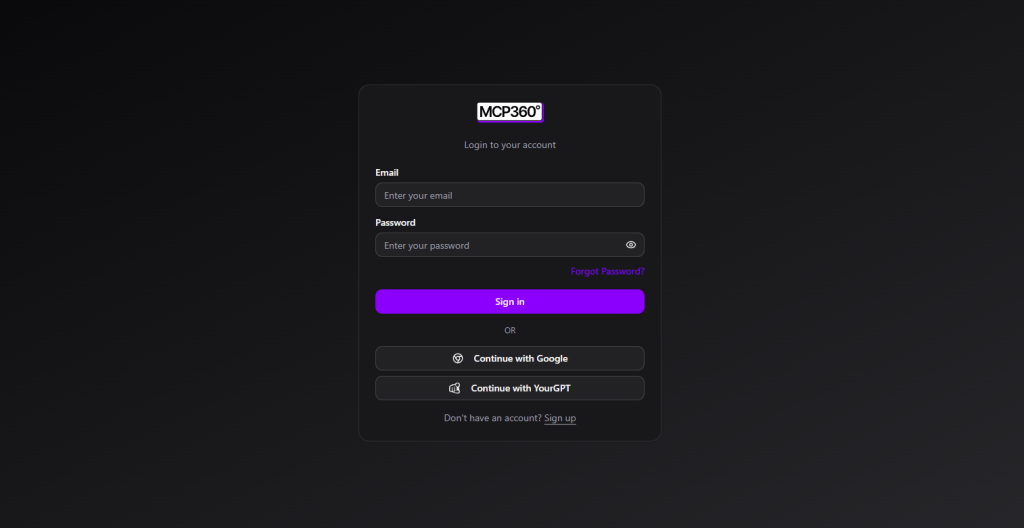
- Log in to your MCP360 dashboard.
- Open your project.
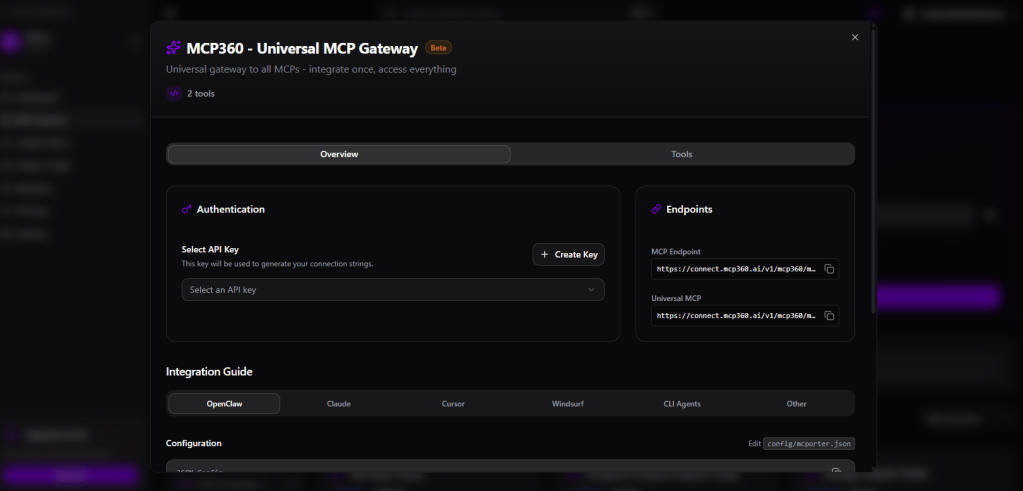
- Select MCP Server in the sidebar.
- Copy the endpoint URL for each service you want to use. Each one follows the form https://connect.mcp360.ai/v1/{slug}/mcp.
Step 1. Declare the MCP360 gateway
Open your instance’s nimblebrain.json and add your MCP360 API key under connectors.gateways, as the MCP360 gateway page in the NimbleBrain docs describes.
{ "connectors": { "gateways": { "mcp360": { "apiKey": "YOUR_MCP360_API_KEY" } } }}
You can also leave the block empty and set MCP360_API_KEY in the environment. We recommend this route for anything beyond a local test, because it keeps the key out of your config file.
{ "connectors": { "gateways": { "mcp360": {} } }}
Step 2. Add the services you want
Add one entry per MCP360 endpoint to your connector catalog. Here is the WHOIS entry. Use the endpoint URL you copied from the dashboard as the url.
servers: - name: ai.mcp360/whois title: MCP360 WHOIS description: Domain registration, ownership, and availability lookups version: "1.0.0" remotes: - type: streamable-http url: https://connect.mcp360.ai/v1/whois/mcp _meta: ai.nimblebrain/connector: auth: provider providerAuth: provider: mcp360 config: {} tags: [domains, research]
Two fields do the work. auth: provider tells NimbleBrain to use the gateway key instead of asking anyone to sign in, and providerAuth.provider: mcp360 points the entry at the gateway from Step 1. To add another service, copy the entry and change the name, title, description and url. Keep the API key out of the url, because NimbleBrain stores URLs in workspace state and shows them in logs. The gateway adds the key as a header for you.

Then restart the platform. Look for this line in the boot log, which confirms the gateway is live.
[gateway:mcp360] credential provider registered
Step 3. Install and use
Open Settings > Connectors > Browse, find the MCP360 service and click Install. The card changes to Installed. There is no sign-in step because the gateway key is already configured, so your agent can call the tools in chat right away. The NimbleBrain connectors guide documents the same flow.
Review the connector’s tool permissions on its Configure page before you give an agent free use of the service. To test the connection, ask the agent “Is yourdomain.com registered, and when does it expire?” The MCP360 WHOIS server exposes three tools, check_availability, bulk_check_availability for up to 20 domains, and lookup_domain, which returns the creation date, expiry date, registrar, nameservers, registrant organisation and DNSSEC status. You should see a tool call to the WHOIS connector and an answer built from its response.
Your connection is live for every workspace on the instance. Ask the agent to use any installed service and it calls MCP360 directly.
What You Can Do With MCP360 in NimbleBrain
Once the gateway is declared, each new capability costs one catalog entry and one Install click. Once the gateway is declared, each new service costs one catalog entry and one Install click. The gain shows up when several services sit side by side, because one request can draw on more than one of them. Here is how that plays out for five teams.
- Developers and IT: WHOIS, DNS lookup and IP information cover domain and network checks in one request. WHOIS returns expiry date, registrar and nameservers, DNS lookup returns A, MX, NS and TXT records, and IP information returns geolocation and ISP.
- SEO and marketing: Keyword research, rank tracking, the on-page SEO checker and Google Trends cover a content brief in one chat. They return search volumes, ranking position, page issues and interest over time, which is the idea behind keyword research automation.
- Research and operations: Web search, page scraping and news search give an agent current material instead of what the model already knows. Email verification cleans contact lists.
- E-commerce and product teams: Amazon, Google Shopping, eBay and Walmart search return pricing, reviews and availability. The App Store and Play Store services return app details, reviews and charts.
- Sales and local teams: Google Maps returns business details and reviews, email verification checks addresses in bulk, and Google Jobs returns open roles and salary data.
Plan your credits before you publish every service. Most cost 1 credit per use, while keyword research costs 10 and LLM prompt tracking costs 5, so check each service page for current costs. Failed calls are not charged.
Start each team with the two or three services it already uses every week, and expand once those prove their value.
NimbleBrain MCP Troubleshooting and Limitations
The gateway model is simple, and it has limits you should know before rollout. One key serves the whole NimbleBrain instance, so MCP360 sees a single caller. There is no per-workspace attribution, and you cannot revoke one workspace’s access without revoking everyone’s. A workspace that uses up the account’s rate limit uses it up for all of them, as the gateway docs point out. Each workspace’s connectors allow list lets you control who sees the MCP360 entries. Audit trails and access policy on top of a shared key fall under MCP gateway governance.
If something does not work, find the symptom below.
| Symptom | Likely Cause | Fix |
|---|---|---|
| No credential provider registered line in the boot log |
The connectors.gateways block is missing
|
Add the block from Step 1 and restart |
| Install succeeds, but the connector stays disconnected with a missing-key error | The gateway is declared and no key resolved |
Set apiKey or MCP360_API_KEY, then reconnect
|
| MCP360 service is missing under Browse | The entry is not in your connector catalog, or the YAML has an error | Check the file location and format, then restart the platform |
First tool call returns 401
|
MCP360 rejected the key, for example after a rotation, or the plan does not cover that service |
Generate a new key, or check your plan and the entry’s url
|
NimbleBrain also blocks gateway URLs that point to private or internal addresses, so every endpoint must be a public https address. MCP360 endpoints are. If a connection fails before NimbleBrain is involved, check for common MCP server connection issues.
Start with the table, and most failures resolve in one change and a restart.
Frequently Asked Questions
What is an MCP gateway?
An MCP gateway is a single entry point between an AI agent and many MCP servers. Instead of opening a separate account, key and endpoint for every tool, you connect to the gateway once and reach the tools behind it. The gateway holds the credentials and bills usage in one place, so the agent never manages them tool by tool.
What is an MCP connector?
An MCP connector is how an AI platform links to an MCP server, usually a URL plus the credentials needed to reach it. In NimbleBrain, a connector is a remote MCP server reached by URL. An admin installs it from Settings, Connectors, Browse, and each connector authenticates with a sign-in, an API key or a gateway credential.
Can NimbleBrain connect to a local stdio MCP server?
No. NimbleBrain reaches MCP servers over the network only. It supports Streamable HTTP and falls back to HTTP+SSE for older servers, but it does not support stdio, so it never downloads or runs a server’s code. A server has to be reachable at a remote URL before NimbleBrain can use it, which is why hosted endpoints fit this model.
How do I add an MCP server to NimbleBrain?
Add the server as an entry in your connector catalog with its remote URL, then restart the platform. Next, open Settings, Connectors, Browse, find the entry and click Install. You need the workspace admin role. For a server behind a gateway, declare the gateway key in nimblebrain.json first, so the entry can authenticate without asking anyone to sign in.
Does NimbleBrain need a separate API key for each MCP360 tool?
No. You declare the MCP360 gateway once under connectors.gateways in nimblebrain.json, either with the apiKey field or with the MCP360_API_KEY environment variable, and that one key covers every MCP360 service. Each service still needs its own catalog entry, but none of them asks for a sign-in.
What is the difference between an MCP gateway and an MCP server?
An MCP server exposes the tools of one service, while a gateway sits in front of many of them and handles access. With MCP360, each service has its own endpoint in the form connect.mcp360.ai/v1/{slug}/mcp, and one account and one API key cover them all. In NimbleBrain, each of those endpoints becomes a catalog entry you choose to publish.
Can several NimbleBrain workspaces share one gateway key?
Yes. The key is declared once and serves the whole instance, and each workspace admin installs the services that workspace needs. The tradeoff is that the provider sees a single caller. There is no per-workspace attribution, no way to revoke one workspace without revoking all of them, and a workspace that exhausts the rate limit exhausts it for everyone.
Why does my MCP360 connector in NimbleBrain fail with a missing key or a 401?
A missing-key error means the gateway is declared but no key resolved, so set apiKey or MCP360_API_KEY, the two places the error message names. A 401 means MCP360 rejected the key, for example after a rotation, or the entry’s url points at a service your plan does not cover. Keep the key out of the url itself.
Conclusion
The setup rests on one rule. Declare the gateway once, add only the services your agents need, and keep the key out of URLs. With one gateway block, one catalog file and one key, your NimbleBrain agents call MCP360 services without any connector sign-in.
From here, you can chain services into one run, schedule recurring checks with NimbleBrain’s scheduled runs and multi-agent delegation, and add your own tools through MCP360’s custom MCP builder behind the same key.
As usage grows, revisit the shared-key limits and move to per-user sign-in and gateway governance when you need audit trails. Your next step is to create a free MCP360 account, add two more services such as DNS lookup and web search next to WHOIS, and test each with a real question.

Article by
MitaliAI & Automation | Content Writer
Mitali is a content writer covering AI agents, automation, and no-code tools. Her writing spans the AI landscape, from support and sales automation to MCP integrations and agent workflows, with a focus on practical business use.