
The TL;DR
AI agents often struggle in real-world use when they can’t properly access the tools, data, and systems needed to complete tasks.
-
• What MCP Servers Are
MCP, or Model Context Protocol, servers standardize how AI agents connect to external apps, data sources, files, and internal systems.
-
• 10 MCP Servers for 2026
A curated list of 10 MCP servers for 2026, selected for their usefulness in building practical, working AI agents.
Building an AI agent that actually works can be frustrating. This is because it cannot access the data or tools that your team relies on. This usually happens because it cannot access the data you need or trigger the tools your team uses.
But MCP (Model Context Protocol) servers let AI agents connect to data, files, apps, and tools in a standard way. They provide the information and access agents need to perform day-to-day tasks.
MCP servers have become an essential part of building AI agents. They serve different purposes. Some give live data, while others give access to internal documents, team knowledge, or developer tools. A few can even handle multiple connections at once, allowing agents to pull information from different sources without getting confused. Selecting the appropriate server can significantly impact an agent’s productivity.
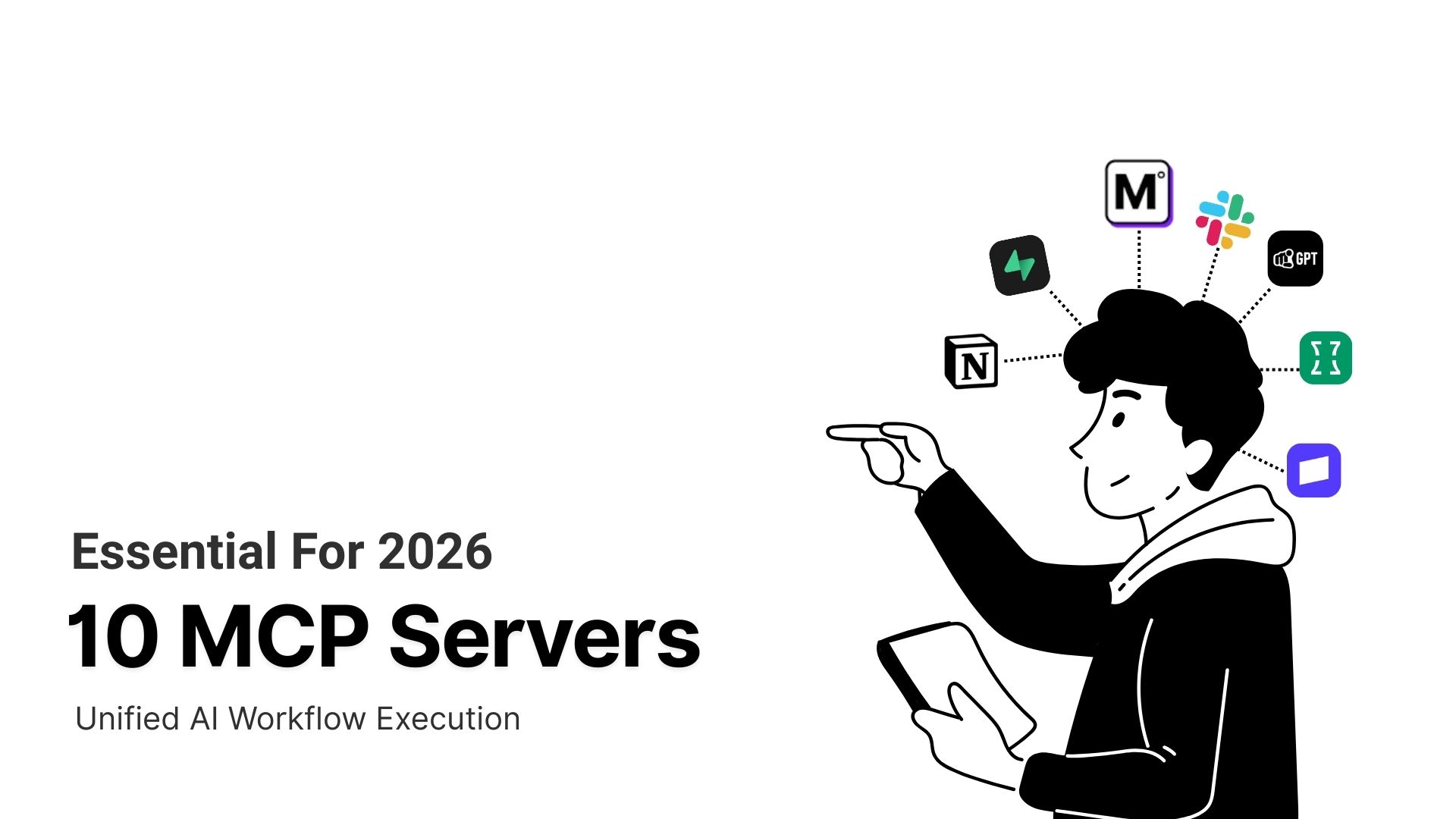
In this article, we’ll be exploring 10 MCP servers that matter for building AI agents in 2026. We’ve carefully selected these on the basis of their capabilities, limitations, and their role in supporting or building agents.
Top 10 MCP Servers 2026
MCP servers are the execution layer for AI agents. They define how agents connect to tools, access data, manage state, and operate across multiple systems. The quality of this layer directly affects agent reliability, speed, and control in production environments.
The MCP servers listed below are considered top choices. They address core agent requirements such as orchestration, tool access, and system coordination. They also remain practical to run at scale.
| MCP Server | Primary Role | What It Connects To | Best For | Key Strength |
|---|---|---|---|---|
| MCP360 | Unified gateway | 100+ external tools and custom MCP servers | Agents that need to work across multiple systems | Single gateway for multi-tool orchestration |
| Supabase MCP | Backend access | Live PostgreSQL databases and Supabase projects | Developer and backend-focused agents | Direct access to real application state |
| YourGPT MCP | Knowledge execution | Trained internal knowledge that AI systems can use | Policy-driven and operations-focused agents | Structured, reusable internal knowledge |
| Notion MCP | Workspace context | Notion pages and databases | Project, research, and planning agents | Live, structured workspace data |
| Context7 MCP | Developer documentation | Versioned library and framework documentation | Coding and IDE-based agents | Accurate, version-specific references |
| Firecrawl MCP | Web data retrieval | Public websites and search results | Research and monitoring agents | Structured web extraction at scale |
| Chrome DevTools MCP | Browser inspection | Live Chrome browser sessions | QA, debugging, and performance agents | Real-time browser and network insight |
| HubSpot MCP | CRM visibility | HubSpot CRM records | Sales and marketing analysis agents | Secure access to live CRM data |
| Stripe MCP | Billing execution | Payments, invoices, and subscriptions | Finance and billing automation agents | Safe execution of financial actions |
| Slack MCP | Team communication | Slack channels and messages | Collaboration and feedback agents | Real-time workspace interaction |
1. MCP360
MCP360 is a unified MCP gateway that gives AI agents the tools they need to perform actions in real time. Instead of managing separate API connections for every service, AI systems interact with one standardized interface across 100+ tools.
Each tool typically requires its own authentication, request formatting, error handling, and version maintenance. As the number of tools grows, this becomes difficult to scale. MCP360 replaces the complexity with a centralized access layer that manages authentication, rate limits, retries, error handling, and response normalization, removing the need to handle any of this inside application logic.
Features
- Unified MCP access point: MCP360 provides AI agents with access to several MCP servers through one connection. This eliminates the need to set up each server individually.
- Extensive built-in tool ecosystem: The platform offers ready-to-use connections to various tools and services. This feature speeds up the process of building agents that rely on multiple data sources.
- Built-in connection management: Handles authentication, tokens, and request formatting for each MCP, reducing manual configuration for developers.
- Permission controls: Allows teams to define which agents can access specific MCP servers or data, improving security and governance.
- Support for custom MCPs: Teams can define and create their own MCP servers for internal APIs or proprietary systems. This allows MCP360 to act as a unified gateway for both pre-built and custom integrations.
- Standardized Responses: Every tool returns output in the same format. This makes it easier to combine data from multiple sources without writing custom parsing logic for each one.
Limitations
- Best suited for multi-tool environments: MCP360 shows its strongest value when agents need to work across many tools and systems. Simpler setups with only one or two integrations may not fully benefit from a unified gateway.
- Subscription-based access: A free plan is available for testing or hobby use. Advanced integrations and higher usage limits are available on paid plans.
Use case
If you are a marketing lead, you can prepare a weekly competitor report effortlessly. Avoid juggling multiple API integrations. Connect your workflow to MCP360 as a single gateway.
You can ask the agent to pull current keyword trends. They can check competitor rankings, agent can also extract pricing or product details from relevant sites. It even combines results from multiple tools through MCP360 and delivers a structured summary ready for review and refinement.
Whenever MCP360 adds or updates integrations, you can access them immediately without changing your setup. This allows you to focus on insights and strategy, rather than maintaining individual tool connections.
2. Supabase MCP
Supabase MCP is a Model Context Protocol server built by Supabase that connects AI agents directly to your Supabase projects. It acts as a bridge between AI tools and your backend. This enables agents to perform database operations. They can manage project resources and interact with application state without requiring custom API integrations.
Unlike generic connectors, Supabase MCP is designed to work seamlessly with MCP-compatible tools like Cursor, Claude, and Windsurf. It enables agents to access, modify, and query live Postgres data. They can handle migrations and manage project configurations. All of this is possible through a standardized, secure interface.
Features
- Works with live application data: Supabase MCP lets agents interact with the same Postgres data your app uses. Agents can reason over current users, records, and system state instead of relying on copies or embeddings.
- Supports real backend changes: Agents aren’t limited to reading data. Supabase MCP can assist with schema updates, migrations, and log inspection, which makes it useful during development and iteration.
- Designed for developer AI tools: It fits naturally into tools like Cursor and Claude. Backend tasks can be handled where the code is written and reviewed, without constant context switching.
- One MCP setup, multiple tools: The same Supabase MCP server can be reused across different AI tools. This avoids rebuilding access layers as your agent stack changes.
- Security comes from Supabase itself: Access is governed by Supabase authentication and row-level security. Agents can be scoped carefully, rather than given broad database access.
Limitations
- Not ideal for autonomous or knowledge-driven agents: Supabase MCP is built for assisting with live backend operations. It is not intended for document-based knowledge retrieval or unsupervised decision-making.
- Strict access control is required: It operates on real databases, teams need strong permission scoping. They also need backend expertise to prevent unintended changes.
Best use cases
You’re building a new feature in a Supabase-backed app using an AI-assisted editor like Cursor. While coding, you need to check a table’s structure and see if a column can be safely modified.
Instead of switching tools, you ask the agent to inspect the schema. It highlights the relevant tables, explains the relationships, and suggests an SQL query to validate your assumption. When a minor schema modification is required, it creates a draft migration for your approval.
You decide what to keep, make any adjustments, and apply the update yourself. Supabase MCP keeps backend work within the editor. It reduces context switching and speeds up routine tasks. All the while, it keeps you fully in control.
3. YourGPT MCP
YourGPT MCP Server makes the knowledge stored in YourGPT available to use by other AI systems in a structured way. You can access the knowledge you maintain inside the platform, such as product details, policies, FAQs, or internal guidelines.
Once connected, tools can query this knowledge just as they would a workspace. This helps teams keep information consistent across different tools without copying content or maintaining multiple versions. The result is reliable access to the same approved knowledge, wherever it is needed.
Features
- Single source of internal knowledge: YourGPT MCP Server makes the knowledge maintained in YourGPT available to other MCP-compatible tools. This helps teams rely on the same approved information across different projects without inconsistencies.
- Reusable across tools: Once connected, the same knowledge can be used in multiple environments that support MCP. Teams do not need to recreate, sync, or duplicate content for each tool.
- Structured and predictable access: Knowledge is organized in a structured format. This makes it easy for tools to retrieve specific information. Examples include FAQs, process steps, pricing rules, or internal guidelines.
- Works with other MCP sources: YourGPT MCP can be used alongside other MCP servers. This allows workflows to combine internal knowledge with live data from external systems when needed.
Limitations
- Focused on internal knowledge: The MCP server only provides access to knowledge that has been added and maintained in YourGPT. Information outside the platform is not available through this server.
- Designed for committed use: YourGPT MCP is available through a paid plan. This plan supports reliable performance and maintained infrastructure. It also provides long-term support for teams using it in real workflows.
Use Case
An operations team needs to prepare a client proposal and ensure it follows internal rules and contract terms. Instead of checking multiple documents or spreadsheets, they rely on the knowledge already maintained in YourGPT.
An agent retrieves current pricing, applicable discounts, and client-specific conditions from the MCP server. It also flags potential issues, such as pricing conflicts or policy violations.
The team reviews the output, makes final adjustments, and sends the proposal with confidence. This reduces manual effort, avoids mistakes, and keeps every proposal aligned with internal guidelines using a single, trusted knowledge source.
4. Notion MCP

Notion MCP is a server that lets AI tools access your Notion workspace in a structured and secure way. It gives agents direct access to pages, databases, comments, and other workspace content. This means they can pull up-to-date information from your workspace without relying on exported files or outdated copies.
The MCP server is managed by Notion, so there’s no setup needed on your end. AI tools like ChatGPT, Claude, and Cursor can connect via OAuth and use the workspace content according to your permissions. This keeps access safe while giving agents the context they need to be useful.
Features
- Access to live workspace content: Agents can read the latest tasks, project notes, and database entries. This ensures they always work with current information.
- Structured relational data: Notion MCP preserves relationships between pages, databases, and blocks. Agents can understand task hierarchies, project dependencies, and linked content, not just isolated items.
- Granular permission control: OAuth-based access lets you specify exactly which pages or databases an agent can use. Sensitive content stays protected.
- Seamless integration with AI tools: Tools like ChatGPT, Claude, and Cursor connect directly without extra configuration. The MCP interface works consistently across different tools.
- Dynamic updates: Agents can see changes as they happen. These changes include new tasks, status updates, or modified project notes. No manual syncing is needed.
Limitations
- Performance on large datasets: Notion MCP may slow down with thousands of rows or very complex relational queries.
- Dependent on workspace structure: Poorly organized pages or inconsistent hierarchies can limit agent effectiveness.
- Context-focused only: Notion MCP provides knowledge access but doesn’t integrate with external systems, restricting full workflow automation.
Best use cases
As a consulting manager, you need to manage client briefs, project plans, and research notes. With Notion MCP, your tools can pull structured content directly from pages and databases.
For example, if you want to prepare a weekly report, you will ask the agent to gather new client updates. Then, check project timelines and highlight overdue tasks. It can also detect dependencies across projects, helping you prioritize effectively.
This streamlines a process that was earlier manual. It lets you summarize key information. You can also track progress across a complex workspace without switching between pages or databases.
5. Context7 MCP
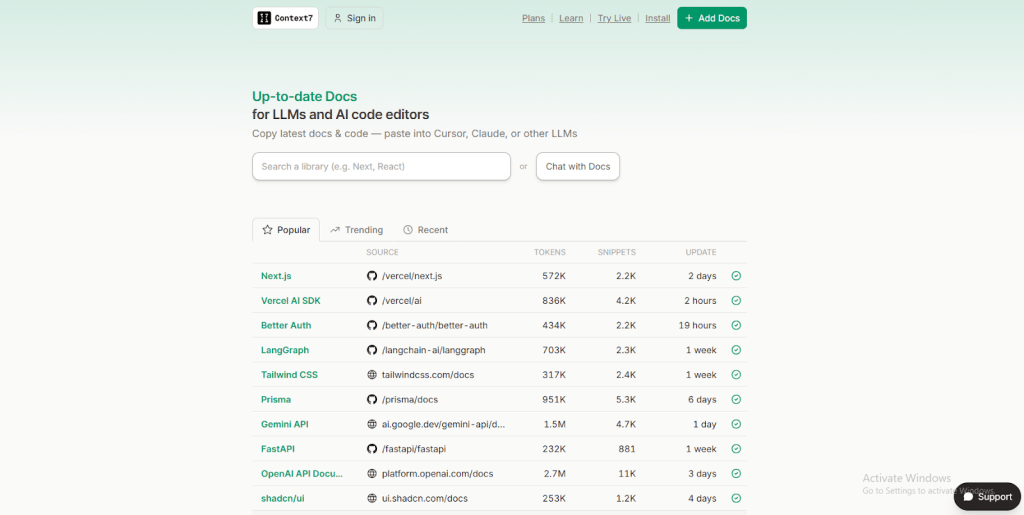
Context7 MCP is a server that provides live, version-specific documentation for libraries and frameworks. It delivers official documentation and code examples through the MCP interface. This lets AI agents and developer tools access accurate, up-to-date material. It ensures that agents referencing libraries or APIs work with current information rather than outdated or generic content.
Features
- Version-specific documentation: Provides documentation and code examples that match the exact library or framework version. This helps agents work with accurate, current references.
- Direct integration with developer tools: Agents can retrieve information through MCP-compatible IDEs. They can also use coding assistants and eliminates the need to switch between platforms.
- Structured and searchable content: It organizes functions, classes, and examples. This allows agents to query efficiently. As a result, accuracy and speed are improved.
- Extendable and open-source: Supports adding new libraries or private repositories, so teams can expand the documentation available to agents.
- Improves agent reliability: By providing up-to-date, official documentation, agents are less likely to generate errors. This is because agents will avoid outdated or incorrect code references.
Limitations
- Limited scope: Context7 MCP only covers indexed libraries and frameworks. It is meant for coding tasks, not general knowledge or business processes.
- Long content may be cut off: Very detailed documentation can be shortened. You may need to check the original source for full information.
Use case
You are creating an AI coding assistant using Context7 MCP. The assistant can access version-specific documentation for the libraries and frameworks in your project. It provides correct function signatures, usage examples, and key notes for the exact versions in use.
It helps in preventing mistakes that often occur when relying on outdated or generic references. And keep the documentation within the coding environment. Context7 MCP reduces context switching and ensures AI suggestions remain accurate.
6. Firecrawl MCP
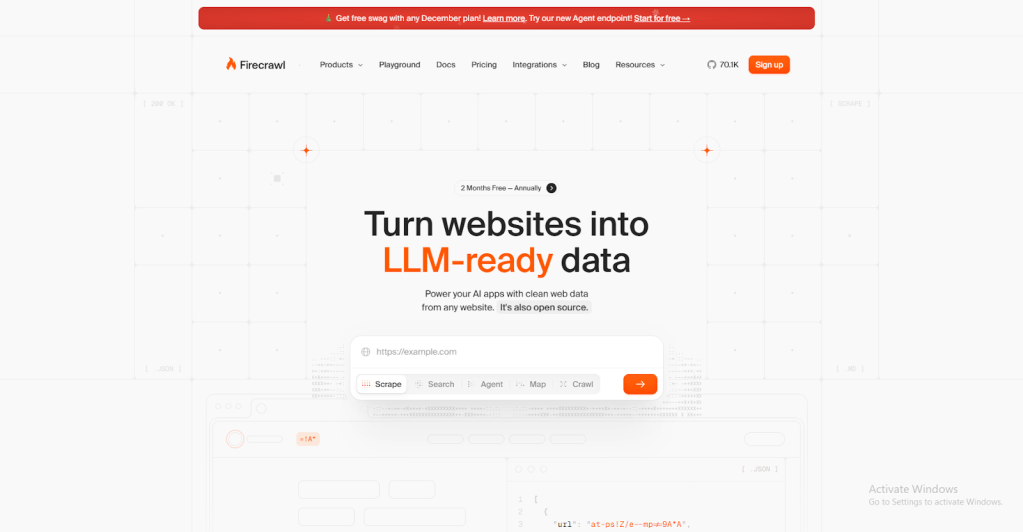
Firecrawl MCP is a Model Context Protocol server. It lets agents and tools access web crawling and content extraction capabilities. This is done through a single interface. It provides functions such as single-page scraping, batch scraping, search, and structured data extraction. With these, users can pull live information from websites. They do not need to build separate connections for each source.
The server can run locally or be accessed via a hosted endpoint, using an API key for authentication. Firecrawl MCP combines multiple web extraction functions into one. It makes it easier to gather accurate and structured data from public websites efficiently.
Features
- Flexible web retrieval: Firecrawl MCP allows scraping a single page. It also supports multiple pages in a batch. Additionally, you can perform targeted web searches, all through one interface.
- Structured results: Data is returned in an organized format. This format is not raw HTML, making it ready for immediate use in workflows.
- Combined search and extraction: Users can search public web content and extract structured information from the results without switching tools.
- Efficient batch processing: Multiple URLs can be processed in a single request, saving time when gathering data from many pages.
- Deployment options: The server can run locally for full control or use a hosted endpoint for quick access.
- Consistent workflow interface: All functions—like scraping, batch processing, and search—follow the same pattern, simplifying integration into agent workflows.
Limitations
- Dependent on website structure: Firecrawl MCP relies on consistent page layouts. Changes to a website can cause extraction errors or require adjustments.
- Processing limits on hosted service: Large-scale projects may exceed rate limits or usage restrictions, requiring a local deployment.
- Not for massive web crawling: Firecrawl MCP is designed for targeted scraping and searches. It is not intended for full-scale web crawling or deep web indexing.
Use case
If you want to stay informed about updates in laws and industry regulations, you can use Firecrawl MCP. It allows your AI agent to scan public regulatory websites. The AI extracts structured data highlighting any changes.
The agent reviews this information and alerts you to critical updates in a timely manner. This allows you to monitor multiple sources continuously without manual effort. Firecrawl MCP ensures the data is clear and actionable
7. Chrome DevTools MCP

Chrome DevTools MCP is a Model Context Protocol server. It provides tools with direct access to Chrome’s debugging features. It also grants access to the browser inspection features. It allows a coding assistant or development tool to interact with a live browser session. The tool can inspect page elements, analyze network activity, and collect performance data.
Unlike static documentation, this MCP server connects to a real Chrome instance. It supports actions such as performance tracing, console inspection, and DOM interaction, all accessible through MCP interfaces for development workflows.
Features
- Live browser interaction: The MCP server allows tools to interact with a real Chrome session. This makes it possible to inspect elements, capture network activity, and test how code behaves in a live environment.
- Performance tracing: Developers can monitor page load times, CPU usage, and memory consumption. Other performance metrics can also be observed. This is done directly through the MCP interface.
- Console inspection: Errors, warnings, and logs from the browser console are accessible programmatically. This helps agents detect issues. It also allows them to suggest fixes.
- DOM and element manipulation: The MCP provides access to the Document Object Model (DOM). This access enables tools to analyze page elements in real-time. It also allows them to modify these elements as needed.
- Integration with development workflows: All features are accessible through a common MCP interface. This accessibility simplifies the inclusion of debugging, testing, and inspection. Coding helpers and automation tools can easily integrate these processes.
Limitations
- Requires a live Chrome session: The MCP server works only with a running browser. This dependency can limit scalability. Additional setup may be needed for remote or headless sessions.
- Resource intensive: Running multiple live browser sessions can consume significant system resources and affect performance.
Use Case
You’re preparing a web application for release and want to ensure everything works smoothly. Using Chrome DevTools MCP, you can connect your QA AI agent to a live Chrome browser. The agent can inspect page elements. The agent measures page load times, monitors memory use, and tracks network activity. It also reads console logs to spot errors or warnings.
After analyzing this information, the agent highlights performance issues, broken scripts, and other areas that need attention. It then shares the findings with you. This lets you test the application continuously without manually checking every detail. Chrome DevTools MCP provides clear, structured insights that help you make informed decisions.
8. HubSpot MCP
HubSpot MCP consists of two Model Context Protocol servers that connect HubSpot to external tools through a standardized interface. The first is a remote MCP server. It allows authorized tools to access CRM data, including contacts, companies, deals, and tickets. Other records from a HubSpot account are also accessible. This access is provided in a controlled and secure way. The second is a local developer MCP server. It is accessed through the HubSpot CLI. This server lets development tools interact with the HubSpot Developer Platform for tasks like project setup and management.
These servers enable tools and workflows to use HubSpot data and development context. This occurs without building custom API integrations. Access remains carefully restricted based on user permissions.
Features
- Secure access to CRM data: The remote HubSpot MCP server lets tools retrieve information safely. These tools can access contacts, companies, deals, tickets, and orders. This access doesn’t require custom API integrations.
- Read-only support for standard objects: It provides access to core HubSpot objects while keeping sensitive or custom properties protected.
- Controlled access with scopes: OAuth-based permissions allow teams to decide exactly which data the MCP connection can use.
- Developer workflow integration: The local MCP server works with the HubSpot CLI. This helps builders set up projects efficiently. It also aids in managing extensions.
- Consistent interface: Both servers follow the MCP standard, making it easier for tools to connect. Tools can connect without extra adapters or complex authentication.
Limitations
- Read-only and limited coverage: The remote HubSpot MCP server only allows viewing standard CRM records. Other objects, like marketing campaigns or service-specific data, are inaccessible.
- Developer setup required: The local MCP server must be installed and configured via the HubSpot CLI. This process can be challenging for users unfamiliar with command-line tools.
Use Case
Your marketing team wants to keep track of high-value leads across multiple campaigns. Normally, this requires digging through several reports and cross-checking different dashboards. It’s time-consuming and easy to miss important details.
With HubSpot MCP, your internal agent can pull live CRM data, which includes contacts, companies, and deal stages. The agent can combine it into a single, clear view. The agent can spot leads that haven’t been contacted, flag priority segments, and provide actionable summaries for the team.
This ensures the team always knows which leads need attention. HubSpot MCP delivers up-to-date insights automatically, saving time and helping campaigns stay on track.
9. Stripe MCP
Stripe MCP enables AI agents to securely interact with Stripe’s payment and billing systems through the Model Context Protocol (MCP). It allows agents to read, create, and act on financial data such as payments, subscriptions, invoices, and customers in a controlled and auditable way.
Using Stripe MCP, agents connect to a Stripe-managed MCP server that exposes payment and billing actions as tools. These tools can then be used directly inside agent workflows to handle real business operations without custom payment logic.
Features
- Centralized payment operations: Stripe MCP gives agents a single interface to work with payments, subscriptions, refunds, invoices, and customer data. This removes the need to wire multiple Stripe APIs manually.
- Secure and permission-based access: All actions follow Stripe’s security and permission model. Agents only access the data and actions they are allowed to perform, reducing financial risk.
- Real-time financial context: Agents can fetch up-to-date payment status, subscription state, invoice history, and customer details. This helps them make decisions using current billing data.
- Actionable workflows: Agents can do more than read data. They can create invoices, initiate refunds, manage subscriptions, and update customer records as part of a single workflow.
Limitations
- Strict permissions required: Incorrect permission setup can block agent actions. Financial operations need careful access control and review.
- No automatic business logic enforcement: Stripe MCP executes actions but does not decide business rules. Agents must follow company policies for refunds, cancellations, and billing changes.
Use Case
You’re building an AI agent for your finance or customer support team to handle billing-related queries.
When a customer asks, “Why was my card charged twice?” or “Can you cancel my subscription and issue a refund?”, the AI agent uses Stripe MCP to pull the customer’s payment history, subscription status, and invoice details.
The agent explains the charge clearly, processes refunds when allowed, and updates the subscription in real time. This reduces back-and-forth, speeds up resolution, and keeps all financial actions accurate and traceable.
Stripe MCP allows agents to move from answering billing questions to safely executing billing actions within the same workflow.
10. Slack MCP
Slack MCP is a server that connects Slack workspaces to external tools in a standardized way. It allows agents or apps to access Slack data and perform actions without building separate API integrations.
Through Slack MCP, agents can search channels, read and send messages, manage users, and interact with conversations. Workspace administrators control and approve MCP connections, ensuring that access remains secure and aligned with existing permissions.
Features
- Controlled access to workspace data: Slack MCP allows agents to access messages, channels, and user information securely. It does so in a permissioned way, without exposing the entire workspace.
- Perform actions directly: Agents can send messages, create threads, update notifications, and manage conversations directly through MCP, streamlining workflow automation.
- Integration without custom APIs: Slack MCP simplifies the process by eliminating the need to build separate integrations for each tool. This saves development time and reduces errors.
- Supports multi-agent collaboration: Multiple agents or tools can safely interact with the same Slack workspace, enabling coordinated workflows and notifications.
- Real-time updates: Agents can react to new messages, channel updates, or user activity quickly, allowing more responsive and interactive automation.
Limitations
- Dependent on workspace permissions: Agents can only access channels, messages, and users allowed by the MCP connection. This restriction may limit certain workflows.
- Limited to Slack actions: Slack MCP handles workspace interactions only. Tasks like database queries or document retrieval require additional MCP connections.
Use Case
Your product team gets feature requests scattered across multiple Slack channels. Using Slack MCP, you can have an AI agent scan these channels for messages with specific keywords. The agent organizes them by topic or priority.
It can summarize the requests and push them into a project management tool. This gives your development team a single view of all feedback without manually checking each channel.
With Slack MCP, the agent helps you stay on top of requests. It tracks updates in real time and ensures nothing is missed. All of this happens while working directly with live Slack data.
How to Choose the Right MCP Server
Choosing the right MCP server can make a real difference in how well your AI agent works. Instead of long lists of features, focus on these practical points:
- Match It to What Your Agent Actually Needs: Look at what the agent must do every day. If it needs to interact with live systems or take actions, pick an MCP that supports that. If it mainly needs knowledge or documents, choose one designed for structured content.
- Think About How Many Tools You Need: Agents often use more than one system. If your agent needs to pull from many sources, a gateway‑style MCP saves setup work. A more focused MCP will typically be easier to use and more dependable if it only requires one primary source.
- Look at Long‑Term Maintenance: Systems change over time. A reliable MCP should keep working even when APIs or tools update. This ensures you don’t have to maintain integrations all the time.
- Your agent must know what information came from where. The MCP should keep this clear and give useful feedback when something doesn’t work.
- Verify Access and Permissions: Don’t grant agents more access than they need. Choose an MCP that lets you control what the agent can read or do, especially with sensitive data.
- Test with Real Workloads: An MCP may perform fine in a demo but struggle under real use. Try it with real‑sized data and concurrent tasks to see how it holds up.
- Choose One You Can Monitor Easily: When something goes wrong, you should be able to see what happened. MCPs that offer logs or simple traces make it easier to understand and resolve issues.
Practicality plays a crucial role in choosing the appropriate MCP server. Focus on the server that actually aligns with your agent’s tasks and handles your workloads reliably. It should provide clear control over access and data. Your AI agent will work more efficiently when you pay attention to context tracking, permissions, and monitoring. This helps in maintaining a management system that is simple and predictable
Frequently Asked Questions
What are MCP servers?
MCP servers use the Model Context Protocol to connect AI agents with external apps, data sources, files, and internal systems. They provide a standardized way for agents to access live data, use tools, and perform actions without custom integrations.
How do MCP servers actually work?
MCP servers expose tools that AI agents can discover and use through a common protocol. The agent sends a request, the server handles authentication and execution, and then returns a structured result.
How do I choose the right MCP server for my agent?
Choose an MCP server based on your agent’s needs. If it requires live actions, pick a server that connects to operational systems. If it mainly needs information, choose one designed for structured knowledge access. Also consider maintenance, permissions, and scalability.
Should I use one MCP server per tool or a gateway that connects many?
A single MCP server works well when your agent relies on one system. If you need access to multiple tools, a gateway such as MCP360 can simplify setup by connecting many services through one integration.
What’s the difference between a data-access MCP and a knowledge MCP?
Data-access MCPs connect agents to live systems and databases for real-time operations. Knowledge MCPs provide structured access to information such as policies, documentation, pricing rules, and FAQs.
Which MCP servers are best for developers and coding agents?
Popular options include Supabase MCP for database access, Context7 MCP for version-specific documentation, and Chrome DevTools MCP for browser debugging and performance analysis.
Are MCP servers safe to give an AI agent access to my systems?
Yes, when permissions are properly configured. Follow the principle of least privilege and only grant access to the data and actions the agent needs.
Can an AI agent use more than one MCP server at once?
Yes. AI agents can use multiple MCP servers in a single workflow, combining live data, internal knowledge, and external tools to complete more complex tasks.
Conclusion
MCP servers expand what AI agents can do in real operations. By 2026, success will rely on executing complete workflows, securely linking to live systems, and adapting in real time. Agents must combine structured knowledge with current context to produce reliable, compliant results.
MCP360 is the best coordination layer. It lets agents easily use different tools and combine data from many sources without causing confusion or errors. This is very helpful when agents need to work across several systems instead of just one.
Supabase MCP and YourGPT MCP also stand out as the next two leading options. Supabase allows agents to securely access current backend data. YourGPT MCP offers well-structured, reliable AI knowledge. This knowledge helps agents make informed, policy-aligned decisions.
The most effective agents will be built on MCP systems that emphasize control, accuracy, and flexibility from the start. These systems allow agents to evolve as tools and workflows change, while keeping humans firmly in the loop. The future of AI agents isn’t defined by smarter models alone. It is also determined by how well those models are connected to real systems. Furthermore, it depends on how reliably they can turn that access into consistent, repeatable outcomes.

Article by
RajniAI & Tech | Senior Content Writer
Rajni is a senior content writer covering AI agents, automation, and no-code tools. She writes across the AI space, from chatbots and customer support to MCP and agent workflows, focused on how businesses actually put these tools to work.